
Base
£4.99 per month
1,000 AI credits each month
For writing with occasional assistant feedback.
Closed beta · Invites sent in small batches
Bring your manuscript, characters and timeline into one writing desk. Maldric helps you spot continuity problems and review your draft. Every change to your prose stays yours to approve.
For indie fiction authors. Invited authors get a 30-day trial. Paid plans from £4.99/month.
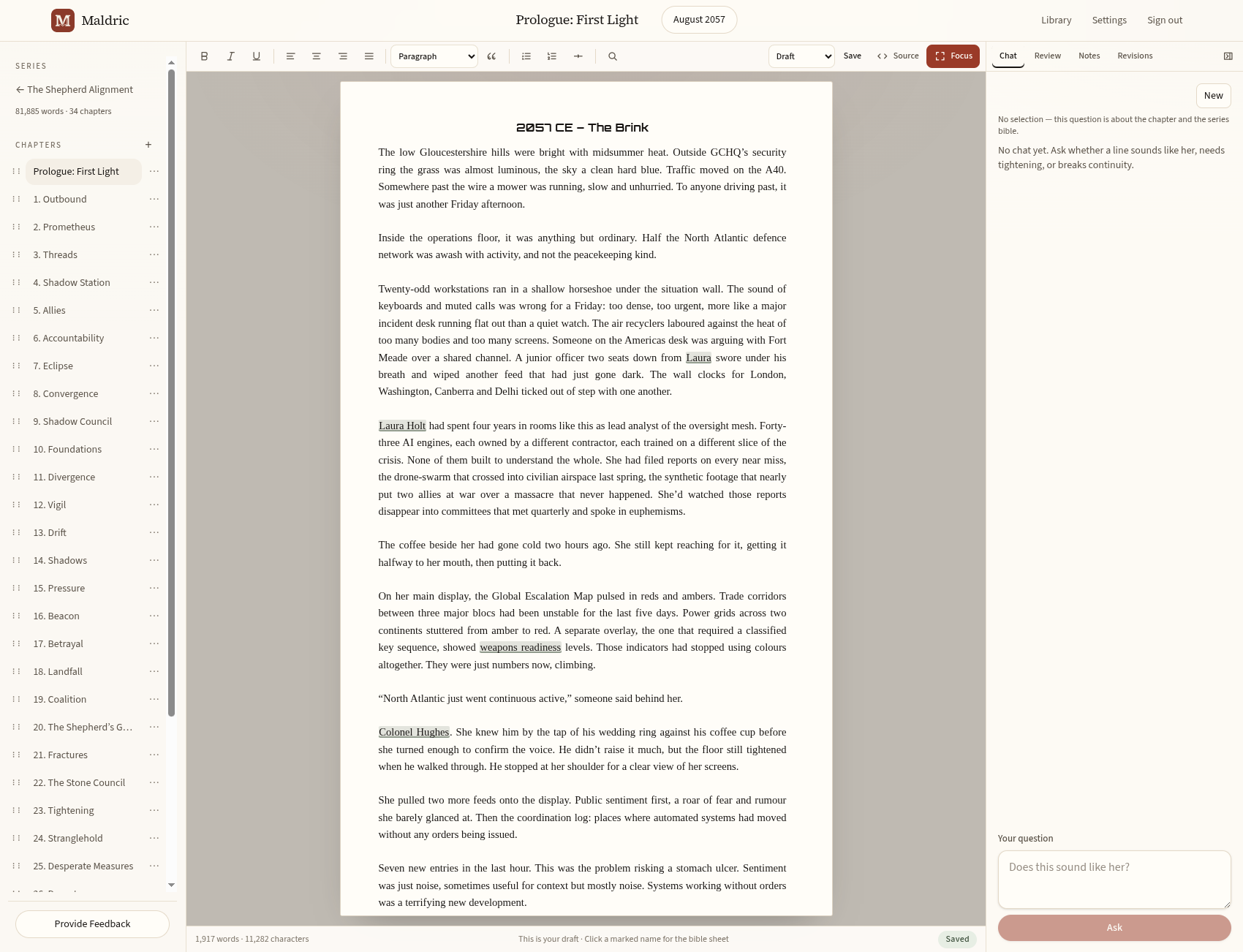
A home for the whole story
Who knows the secret? When did they leave? What did you call that place? Keep the answers beside the book you're writing.
Keep your series consistent
Your characters, places and lore live in a shared series bible. Build out their sheets, map your plot, and pin events to a timeline across the books.
Names and aliases in the draft link back to the bible, so the detail you need is close to the sentence you're writing.
Bring your series to the beta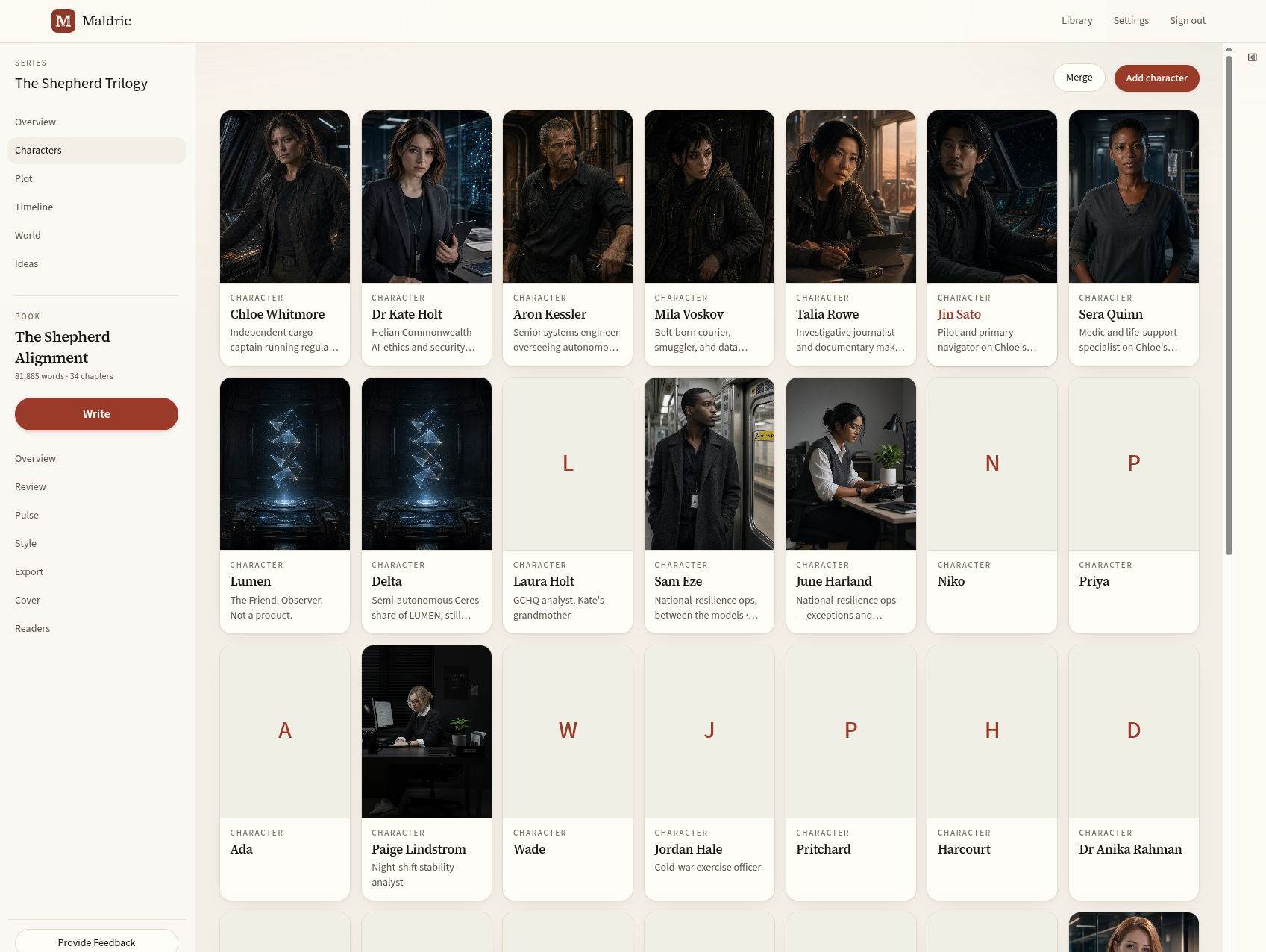
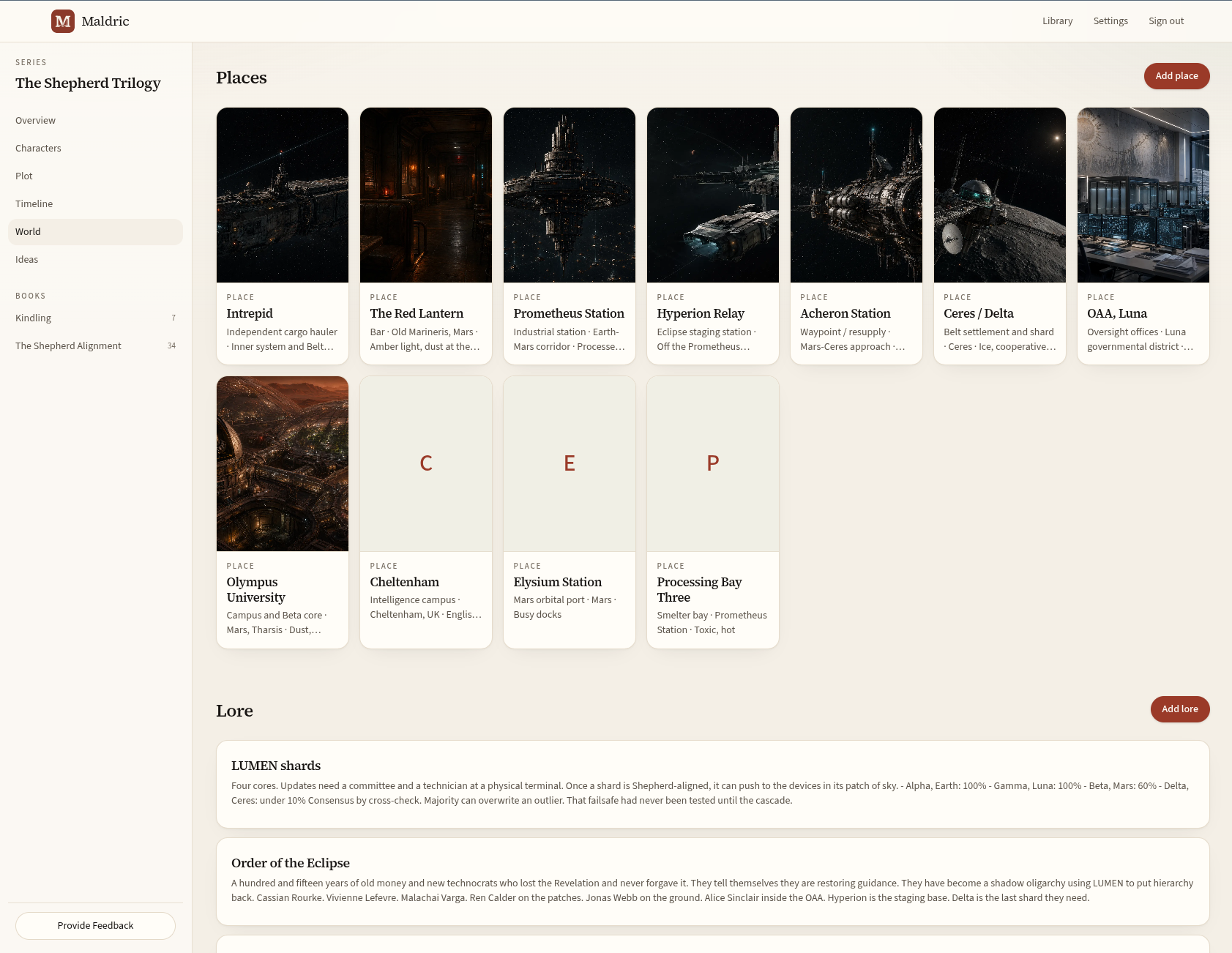
Follow events across your books, connect them to chapters, and see who was there. Separate timeframes help you keep parallel stories and branches in view.
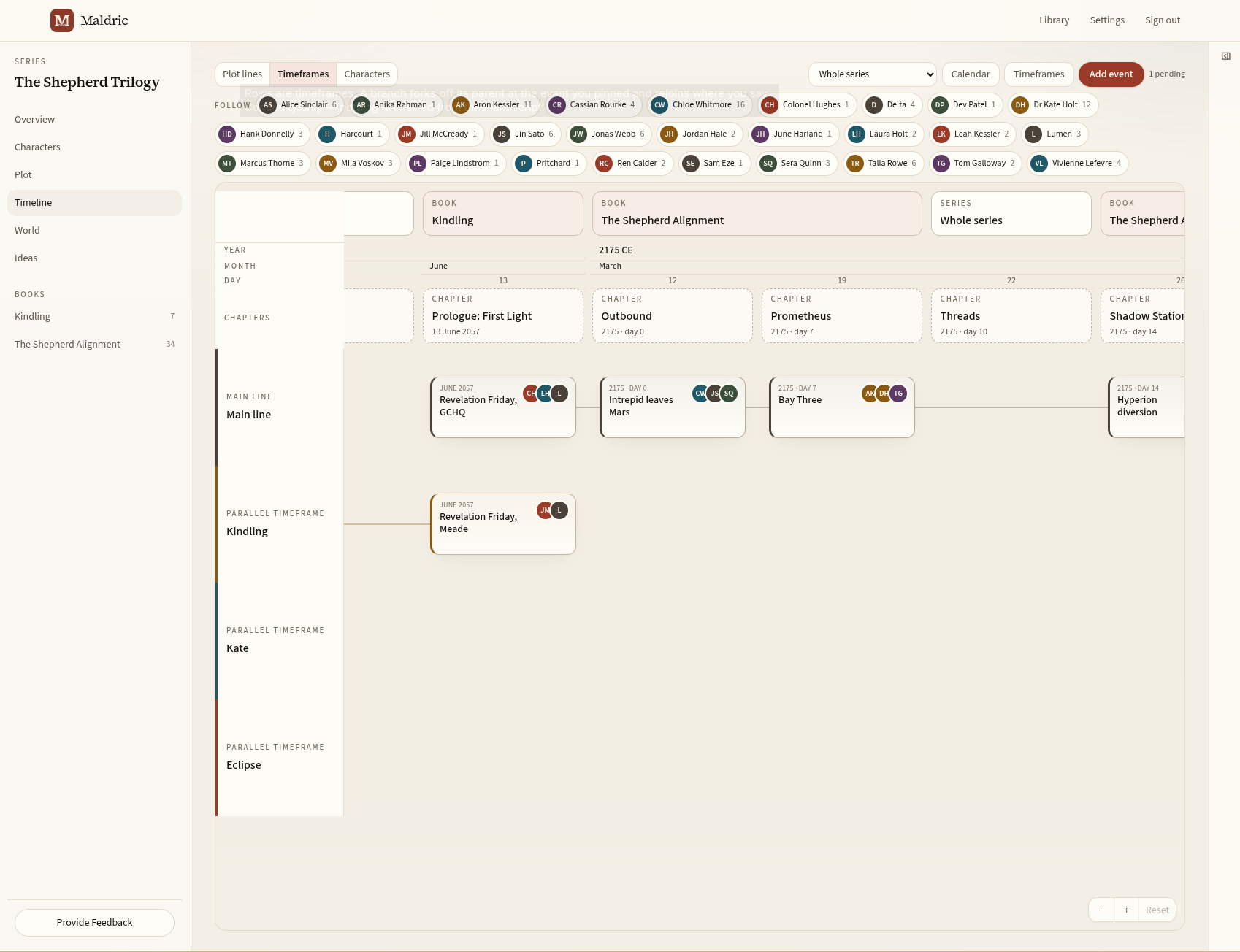
Room to explore
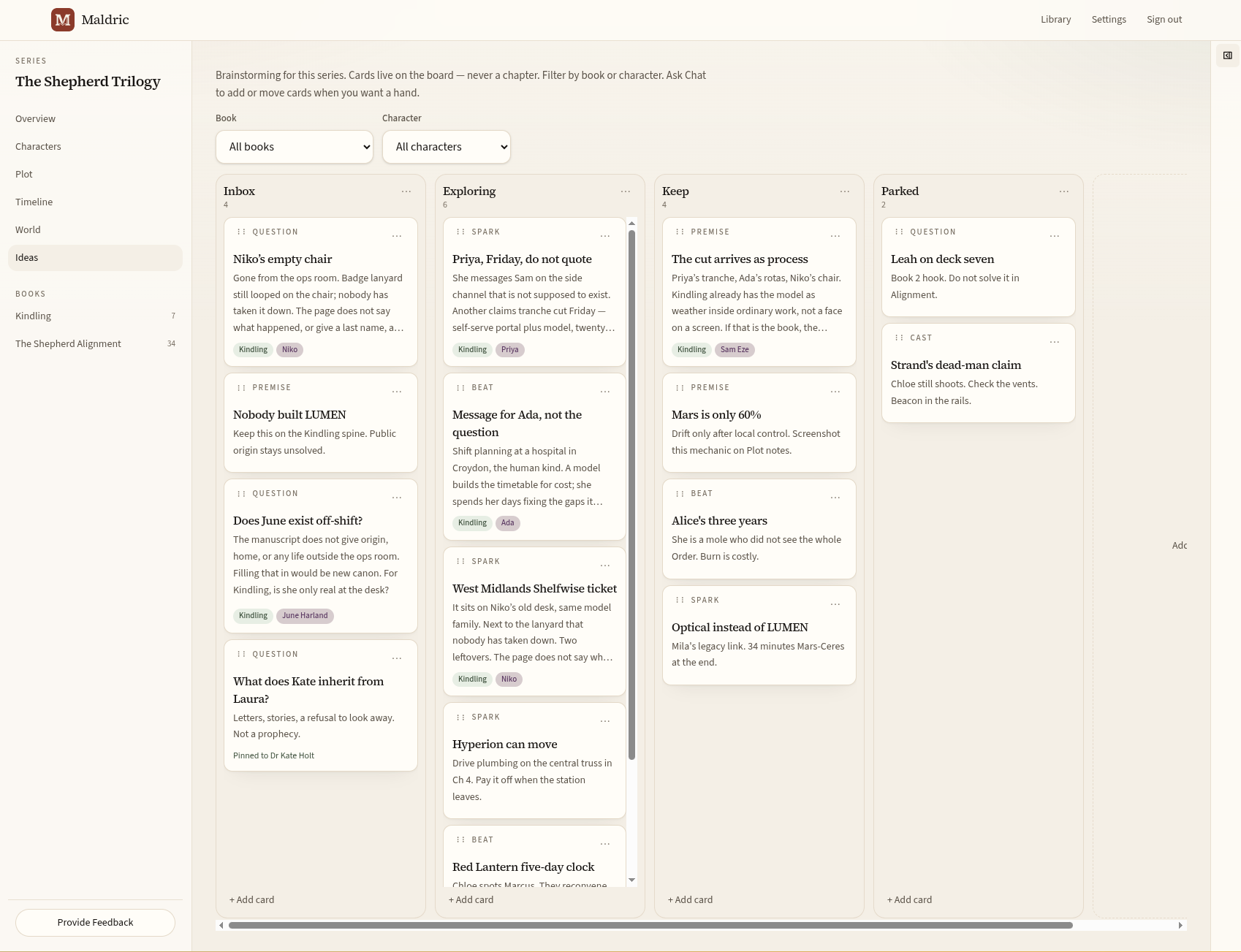
Collect questions, possible scenes and loose threads on your series Ideas board. Move them through Inbox, Exploring, Keep and Parked, with filters for book and character.
Optional Chat helps you think through the possibilities. You decide what becomes part of the story.
A fresh look at your draft
Ask Maldric to review the full book against your series bible, with notes on continuity, pacing and prose. Or talk through a single passage as you write.
Your manuscript and author-written bible give the review its context.
Read the notes and follow quoted passages back to the chapter. Keep your own judgement.
Accept an edit, write your own, or leave the passage as it is. The draft stays in your hands.
Review and Chat use AI credits. Writing, organising your bible and saving your work do not.
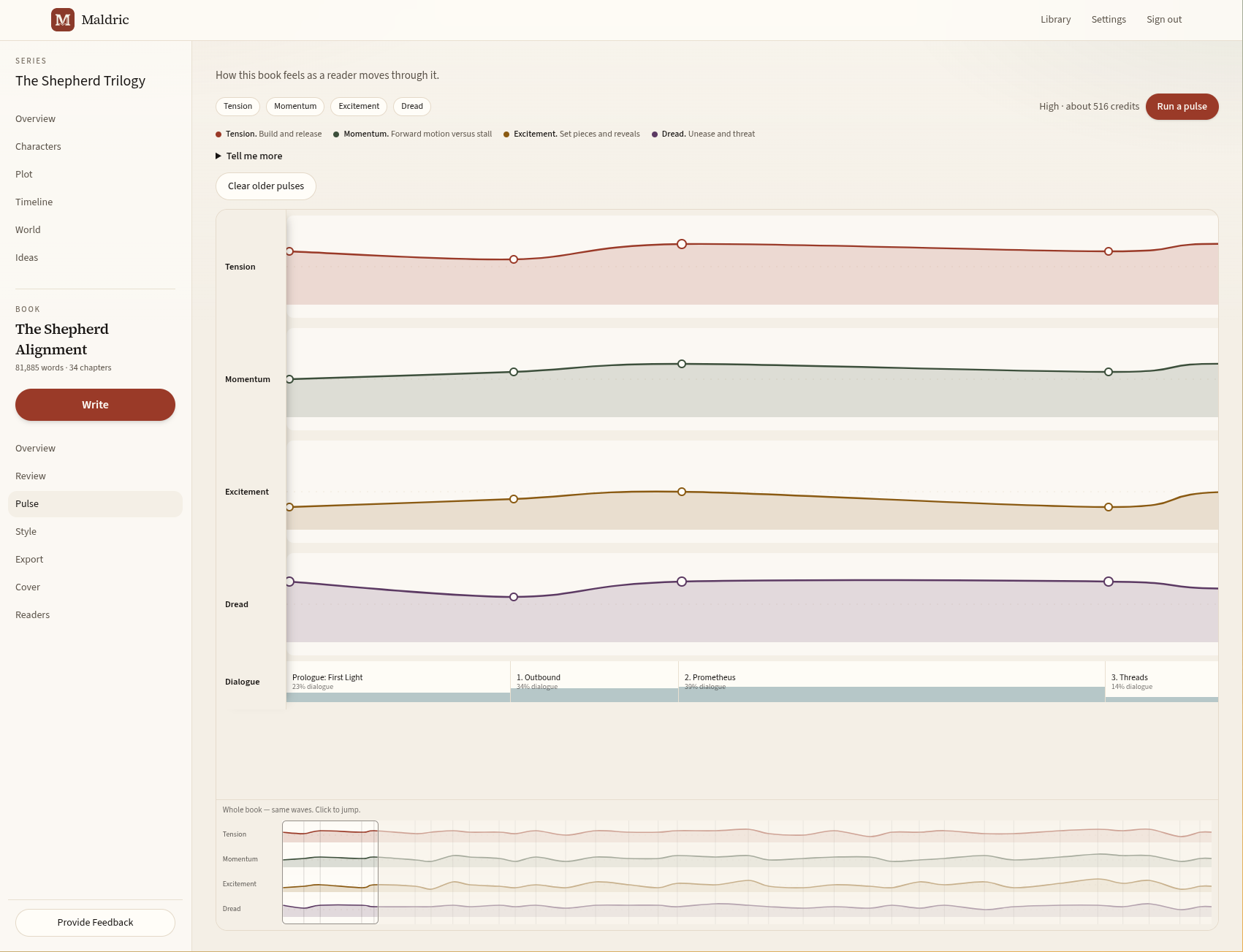
Pulse puts your chapters in reading order, with chapter length and dialogue share measured from your draft. An optional AI pass adds tension, momentum, excitement and dread to help you consider the pace. You can add your own points, too.
From your draft to your readers
Preview your book's typography and layout, then download an EPUB and print PDF. A guided checklist helps you prepare your upload to KDP or IngramSpark.
You choose when and where to publish. Check the finished files against your retailer's requirements before uploading.
About exports and ownership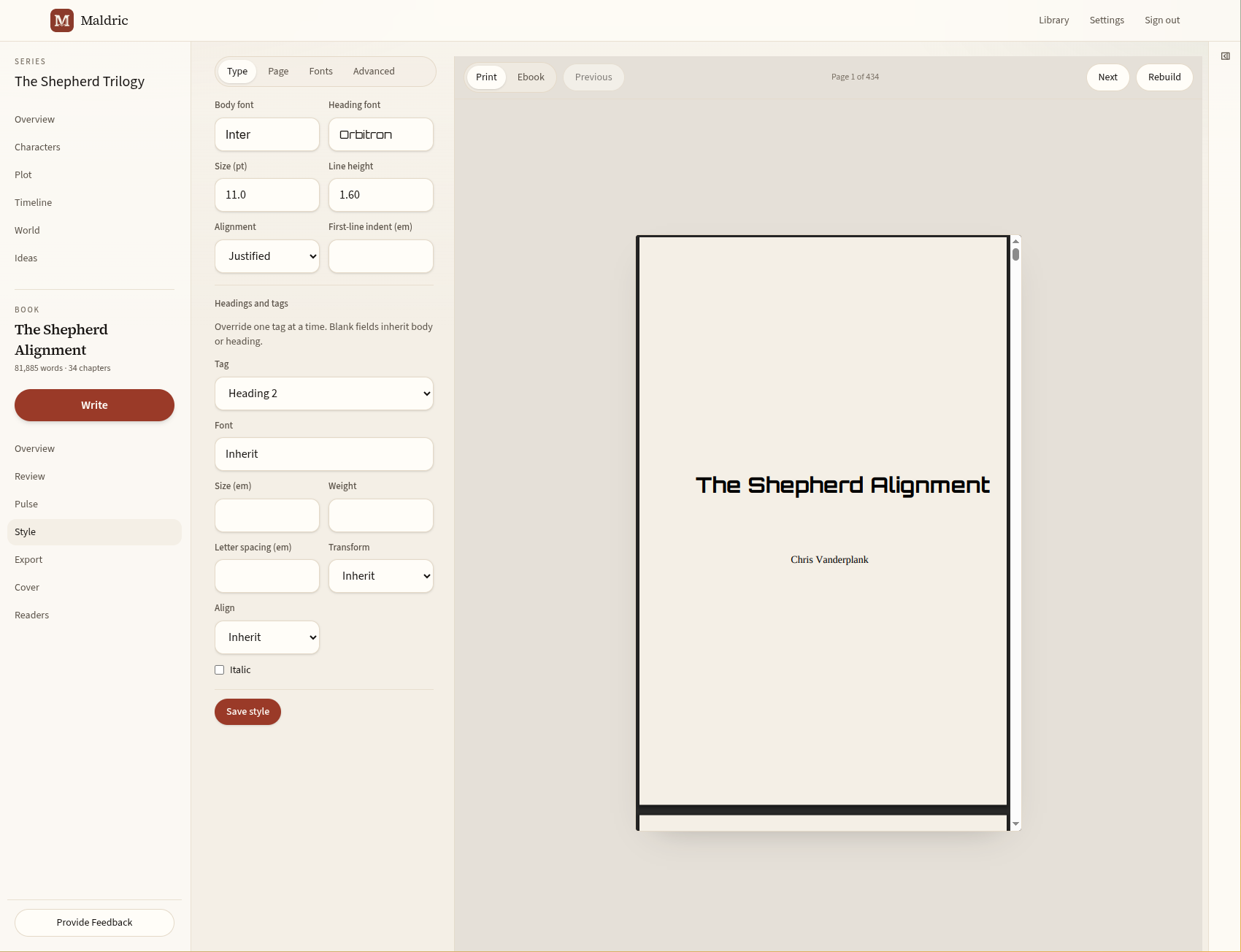
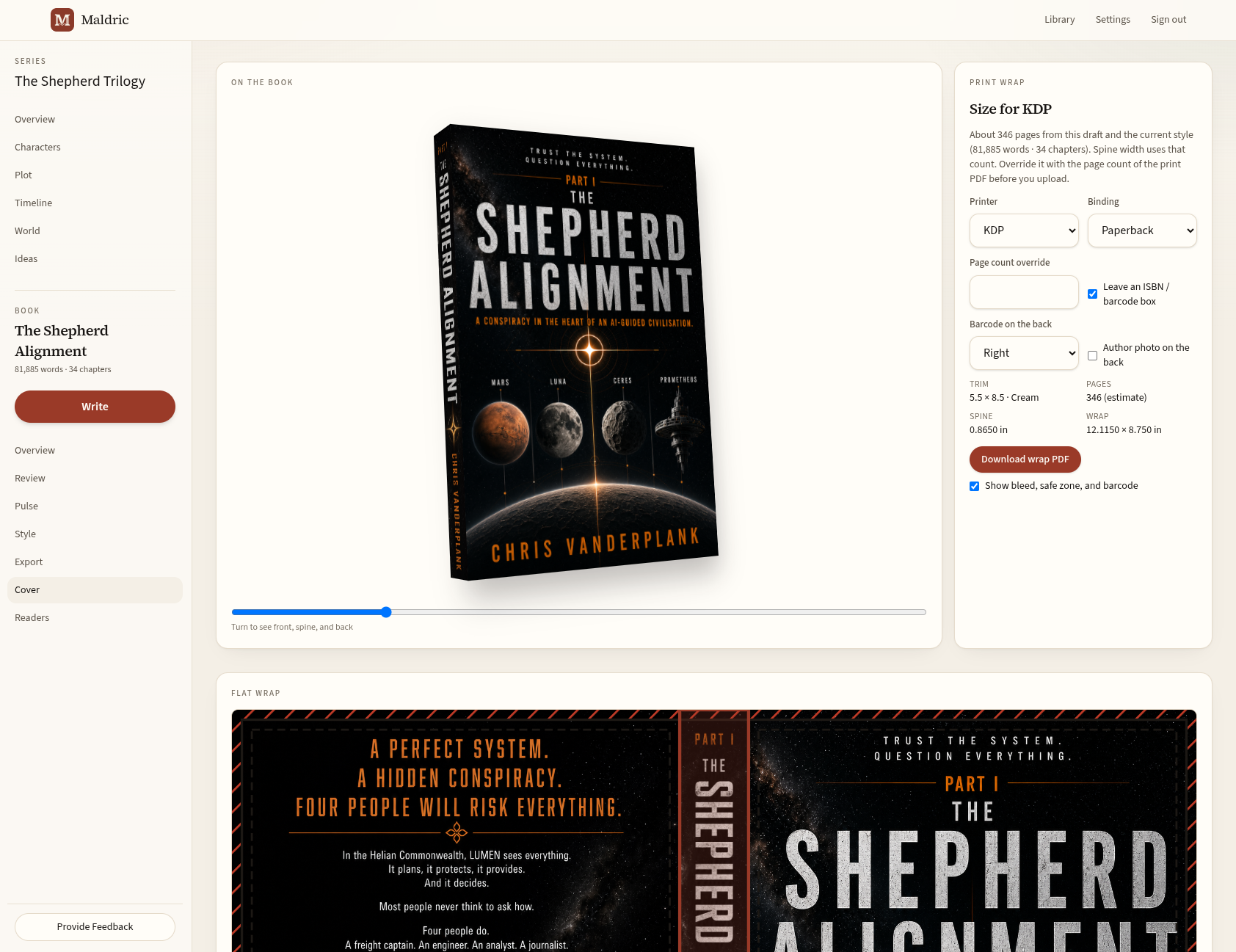
Bring the front, spine and back together, then prepare a cover wrap for your chosen printer. Check the final print PDF's page count before downloading the wrap.
The cover and manuscript stay with the book, ready for you to check and upload when you choose.
Start with the book you have
Import Word (.docx), EPUB, PDF or a markdown zip. Review, rename and reorder the chapters before creating a book. You can start with a standalone book or a series.
Autosave keeps up as you write. Revisions let you revisit an earlier draft, with a copy of the current version kept before you restore.
Download your live chapters, bible and images as a local working copy, including after the trial ends or a plan is paused or cancelled. Your library stays yours.
Try the desk at your own pace
Invited authors start with the full desk and 100 AI credits. After the trial, choose a paid plan from £4.99/month. Joining the waitlist is free and does not start a subscription.
Your trial includes writing, the series bible, import, revisions and export. Trial ebook exports are marked as trial copies. Your local working copy is always unwatermarked.
If you don't choose a paid plan, the desk becomes download-only. You can still read and download your work.
Every paid plan includes the same writing desk and clean EPUB/PDF exports. Choose the monthly AI allowance that fits how often you ask for feedback.
£4.99 per month
1,000 AI credits each month
For writing with occasional assistant feedback.
£12.99 per month
4,000 AI credits each month
For regular conversations and manuscript feedback.
£24.99 per month
10,000 AI credits each month
For more frequent assistant use across your books.
Credits cover optional AI help: Chat, review and the other assistant tools. Writing, saving, organising your bible and downloading your work do not use them.
About 5 credits for a selection Talk, 20 for a whole-chapter Talk. A full book review is a High spend — it reads every chapter against the bible. Actual use varies with the amount of writing and the response. The trial's 100 credits let you try the assistant; a long full-book review may need more.
A 1,000 credits pack costs £3.99 on any paid plan. Unused pack credits carry over when your monthly allowance refills.
Closed beta
I'm inviting authors in small batches so I can support them personally. Try Maldric with your own draft and tell me what helps, what gets in the way, and what you'd like to see next.
Join the waitlist to request an invitation. I'll email you when a place is available. Joining doesn't create an account or guarantee immediate access.
A few questions before you join?